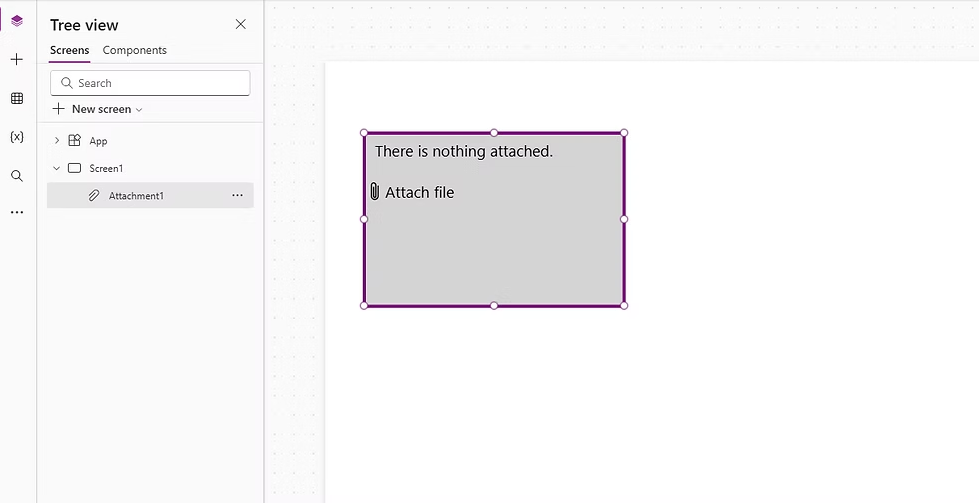
New way to add the Attachment Control in Power Apps
Let’s start with a quick look at how we used to add the Attachment control.Previously, adding the Attachment control involved multiple steps, such as adding a d...
Learning hub
Quick trainings, hands-on walkthroughs, and practical Power Apps, Power Automate, and Power BI content—grounded in real delivery experience.
Filtered results.
Let’s start with a quick look at how we used to add the Attachment control.Previously, adding the Attachment control involved multiple steps, such as adding a d...
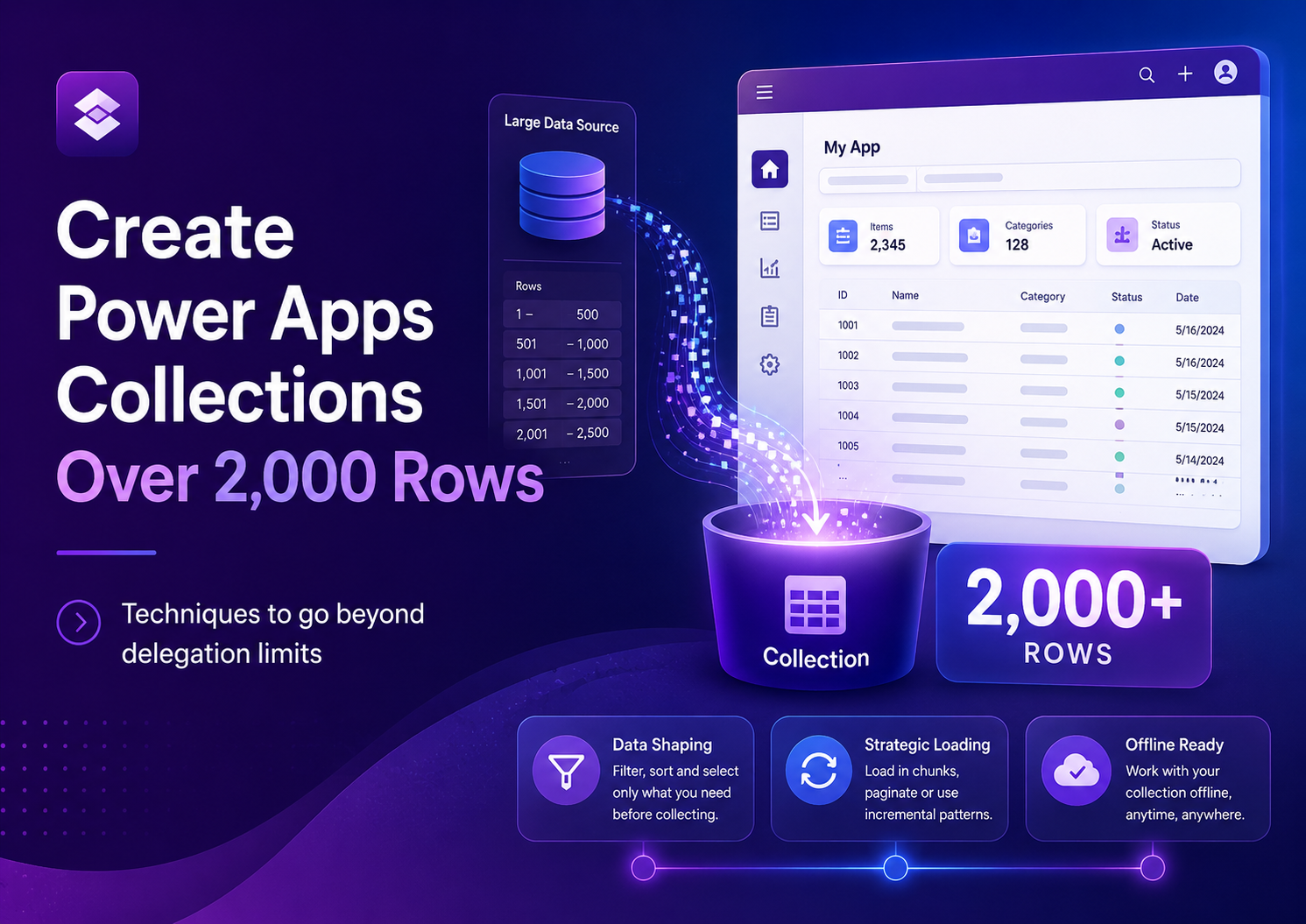
Power Apps collections are normally limited by the delegation limit, often returning only up to 2,000 records when using ClearCollect or Collect. This article e...
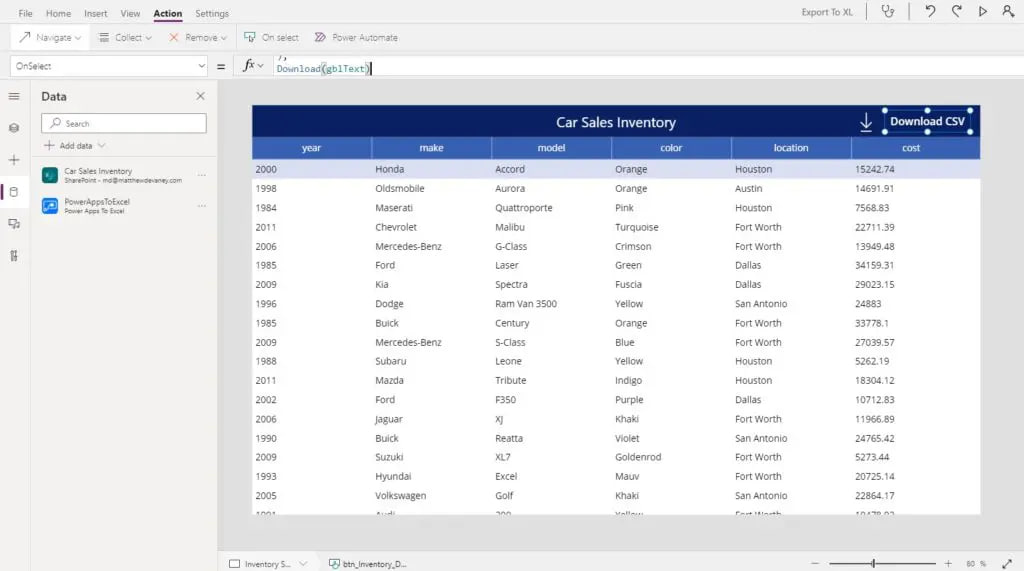
Excel is one of the most popular business apps in the world so when people see data inside of Power Apps its natural for them to ask “can I download it to Excel...
When working with Power Apps and Power Automate together, you may sometimes receive JSON data from a flow. However, Power Apps does not always recognize the str...
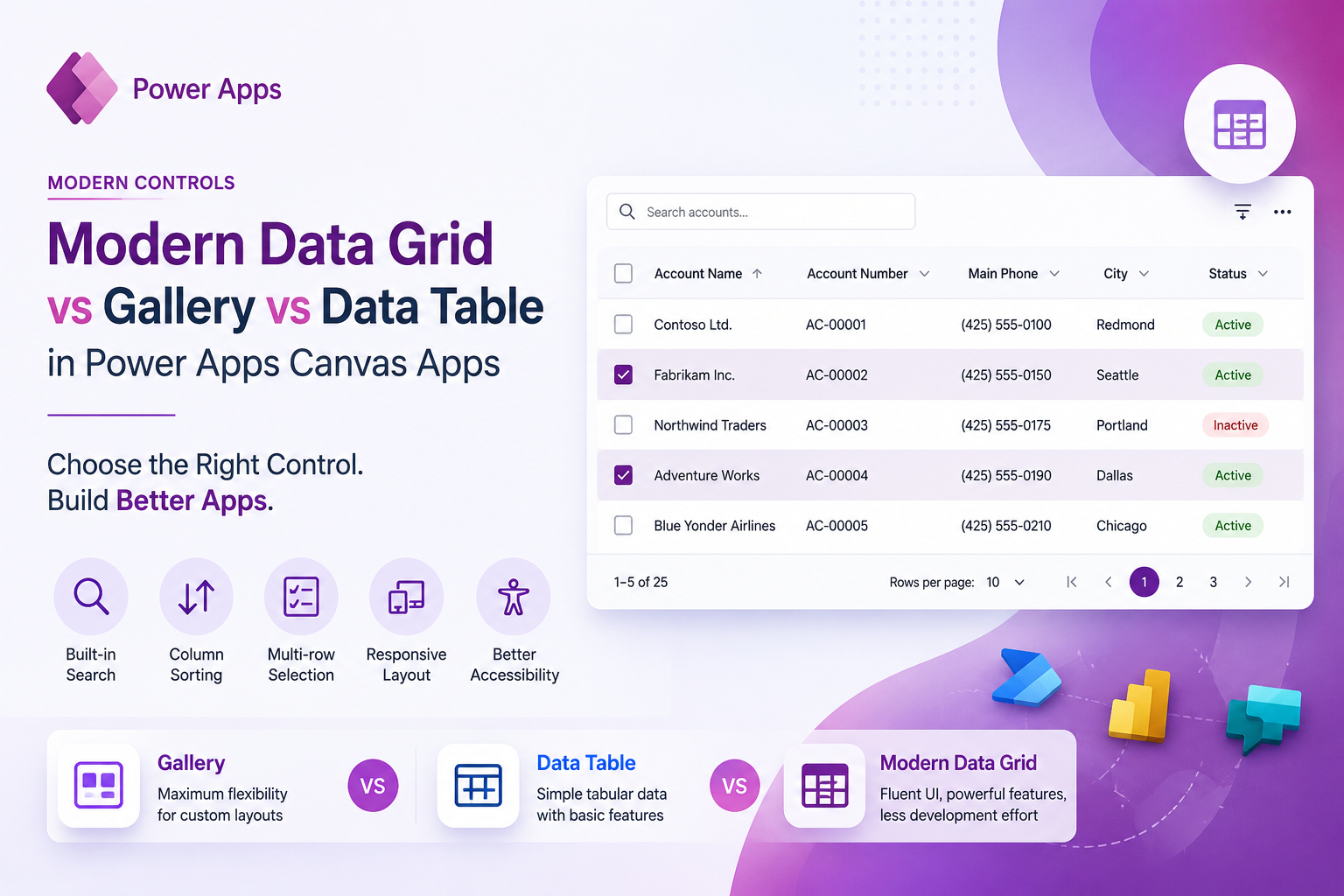
Discover how the Modern Data Grid simplifies data presentation in Power Apps Canvas Apps compared to traditional Gallery and Data Table controls. Learn the key...
One of the most common questions Power Apps developers ask is: Should I use User() or Office365Users()?At first glance, both functions seem similar because they...
Power Apps empowers developers of all skill sets, including those building web apps in integrated developer environments (IDEs) like Visual Studio Code, to effi...
When building applications in Power Apps, one of the most common questions developers ask is:“Can we debug Power Apps?”The answer is yes. Although Power Apps do...
If you’ve ever felt boxed in by the standard Power Apps forms, you need to get familiar with the Patch function. Think of it as your key to unlocking truly...
Subscribe for the latest tips and tutorials. (Newsletter form can connect to your marketing platform.)