New way to add the Attachment Control in Power Apps
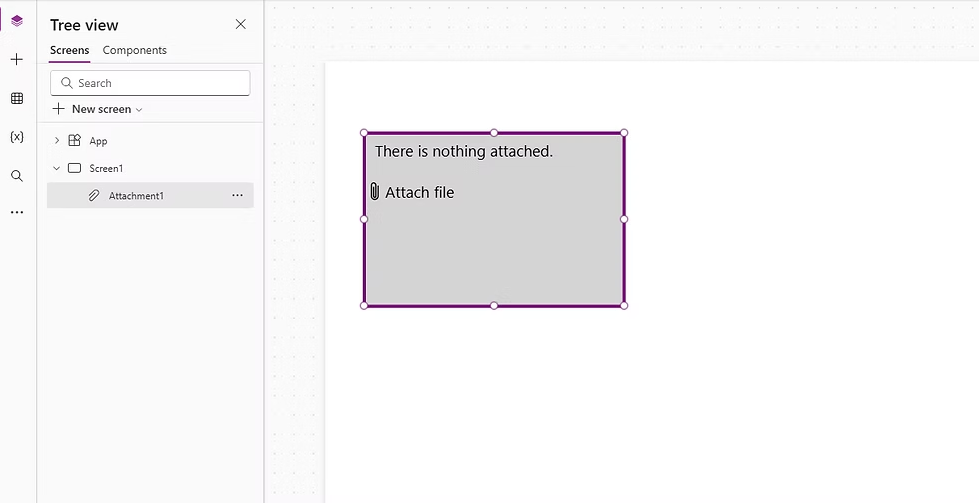
Let’s start with a quick look at how we used to add the Attachment control.Previously, adding the Attachment control involved multiple steps, such as adding a d...
Learning hub
Quick trainings, hands-on walkthroughs, and practical Power Apps, Power Automate, and Power BI content—grounded in real delivery experience.
Filtered results.
Let’s start with a quick look at how we used to add the Attachment control.Previously, adding the Attachment control involved multiple steps, such as adding a d...
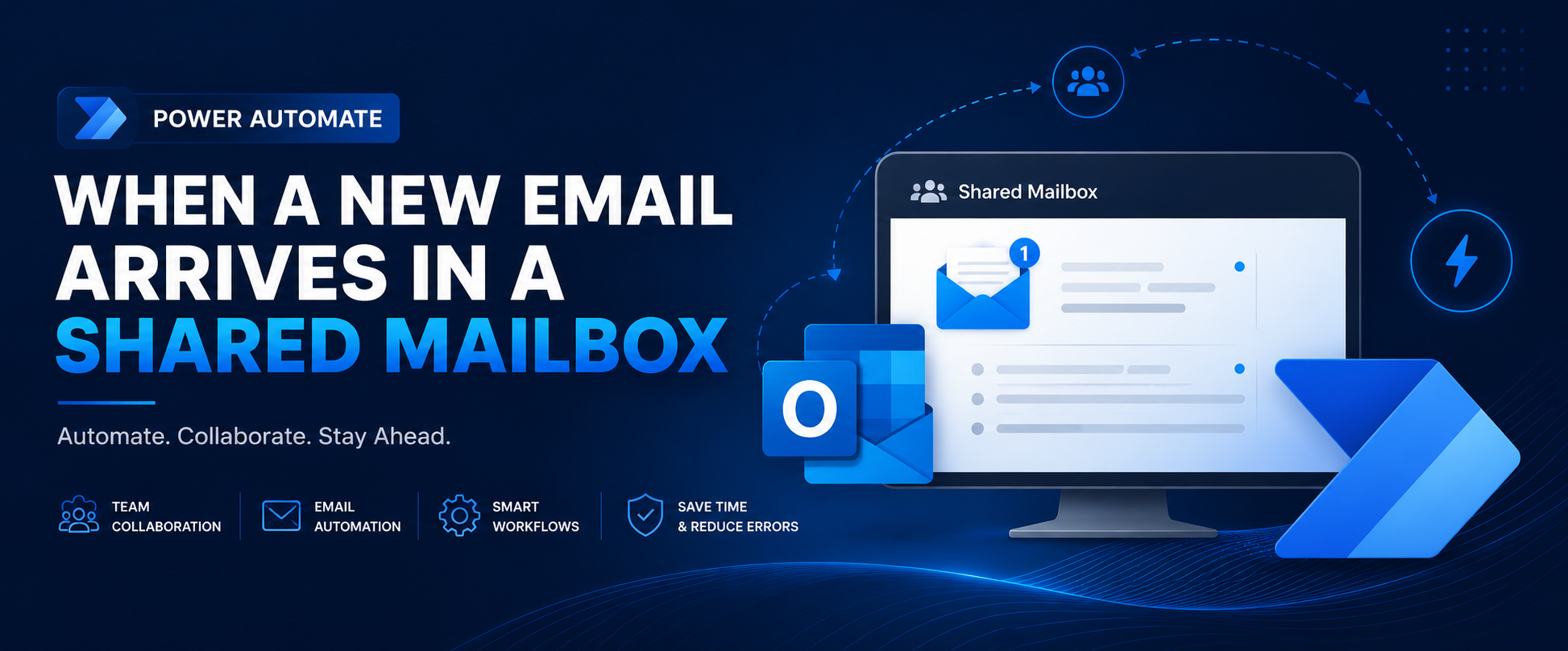
Learn how to use Power Automate’s “When a new email arrives in a shared mailbox” trigger to automate team inbox workflows, filter incoming emails, handle attach...
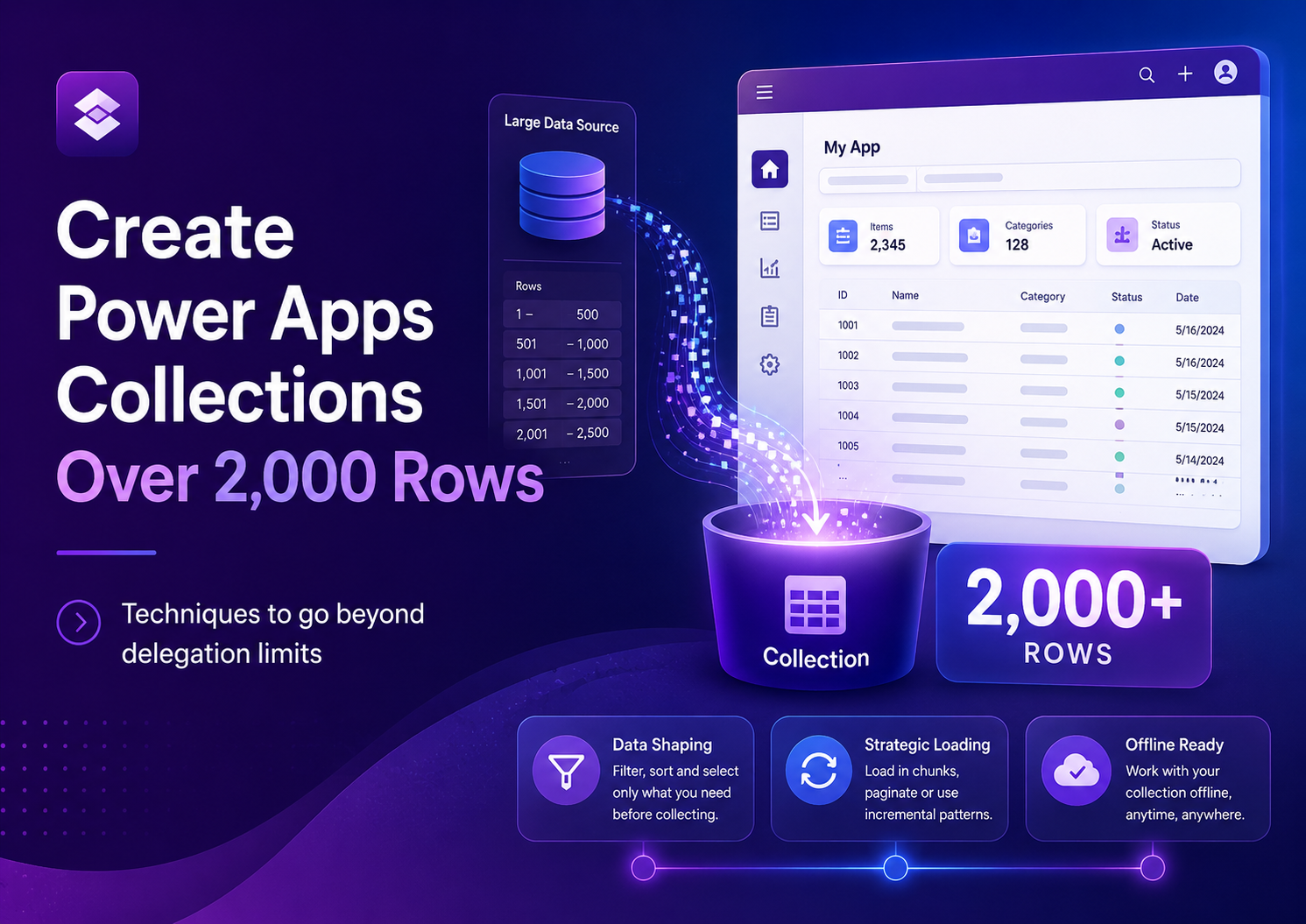
Power Apps collections are normally limited by the delegation limit, often returning only up to 2,000 records when using ClearCollect or Collect. This article e...
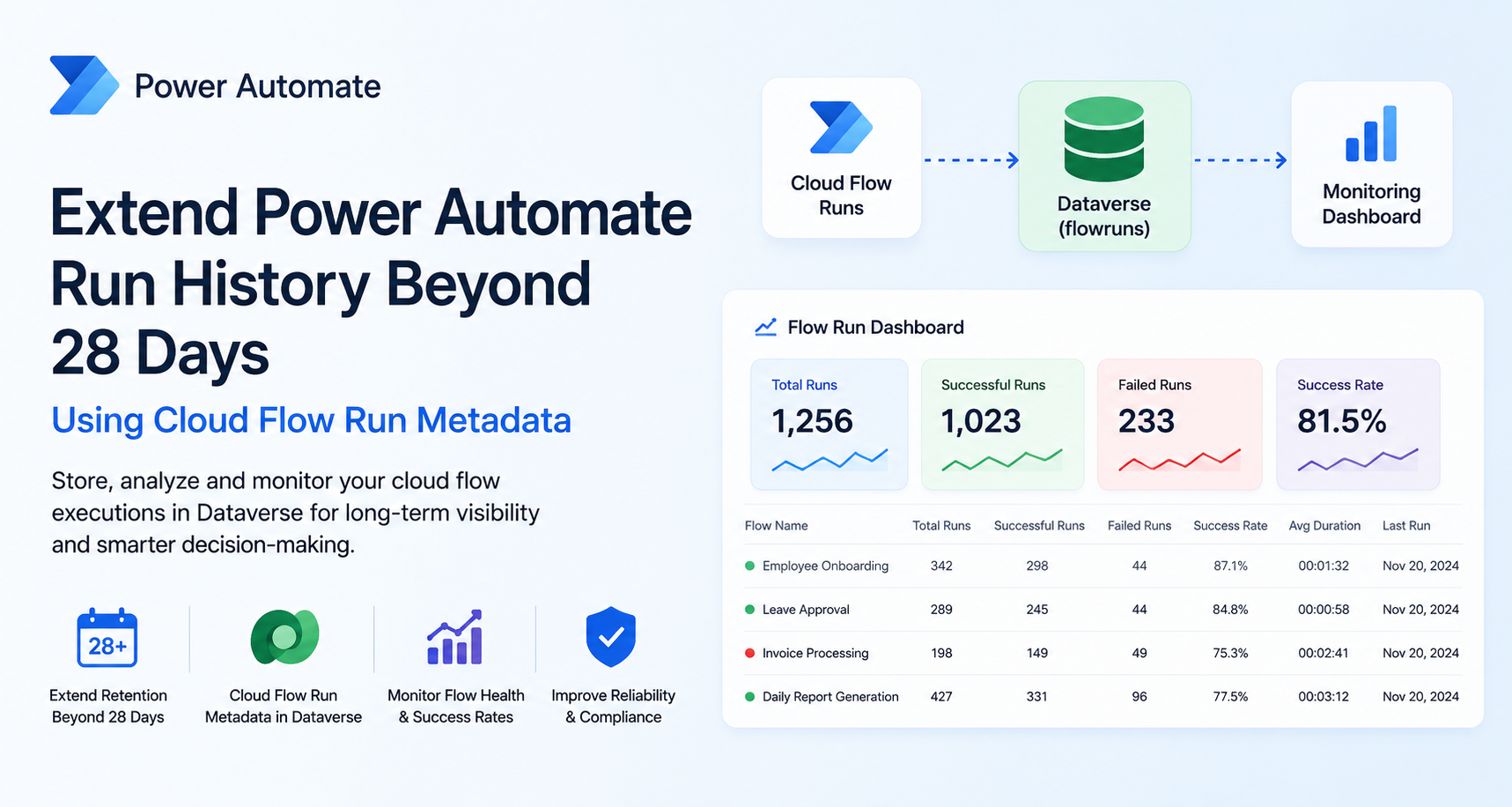
Power Automate stores cloud flow run history for only 28 days by default, limiting long-term monitoring and troubleshooting. This article shows how to extend ru...
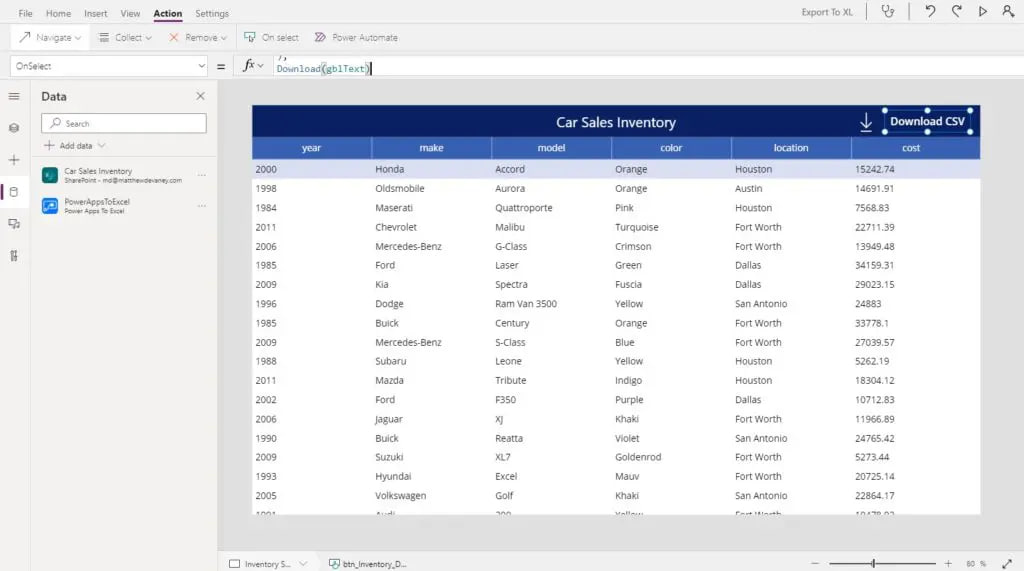
Excel is one of the most popular business apps in the world so when people see data inside of Power Apps its natural for them to ask “can I download it to Excel...
When working with Power Apps and Power Automate together, you may sometimes receive JSON data from a flow. However, Power Apps does not always recognize the str...
When building flows in Power Automate, you'll frequently encounter data in JSON (JavaScript Object Notation) format. This is especially common when working with...
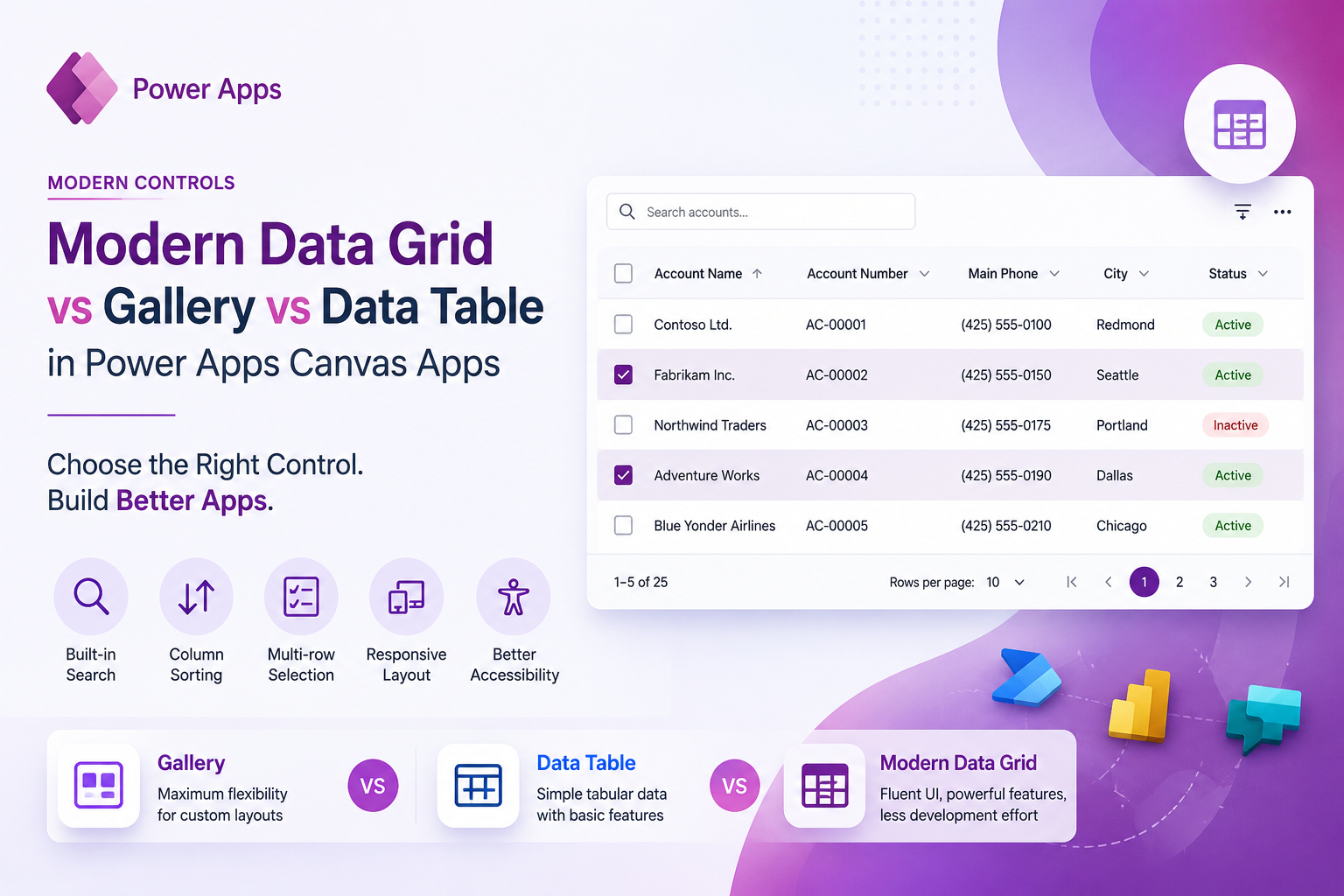
Discover how the Modern Data Grid simplifies data presentation in Power Apps Canvas Apps compared to traditional Gallery and Data Table controls. Learn the key...
One of the most common questions Power Apps developers ask is: Should I use User() or Office365Users()?At first glance, both functions seem similar because they...
Subscribe for the latest tips and tutorials. (Newsletter form can connect to your marketing platform.)